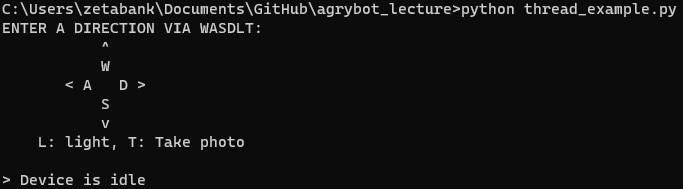
Thread Examples
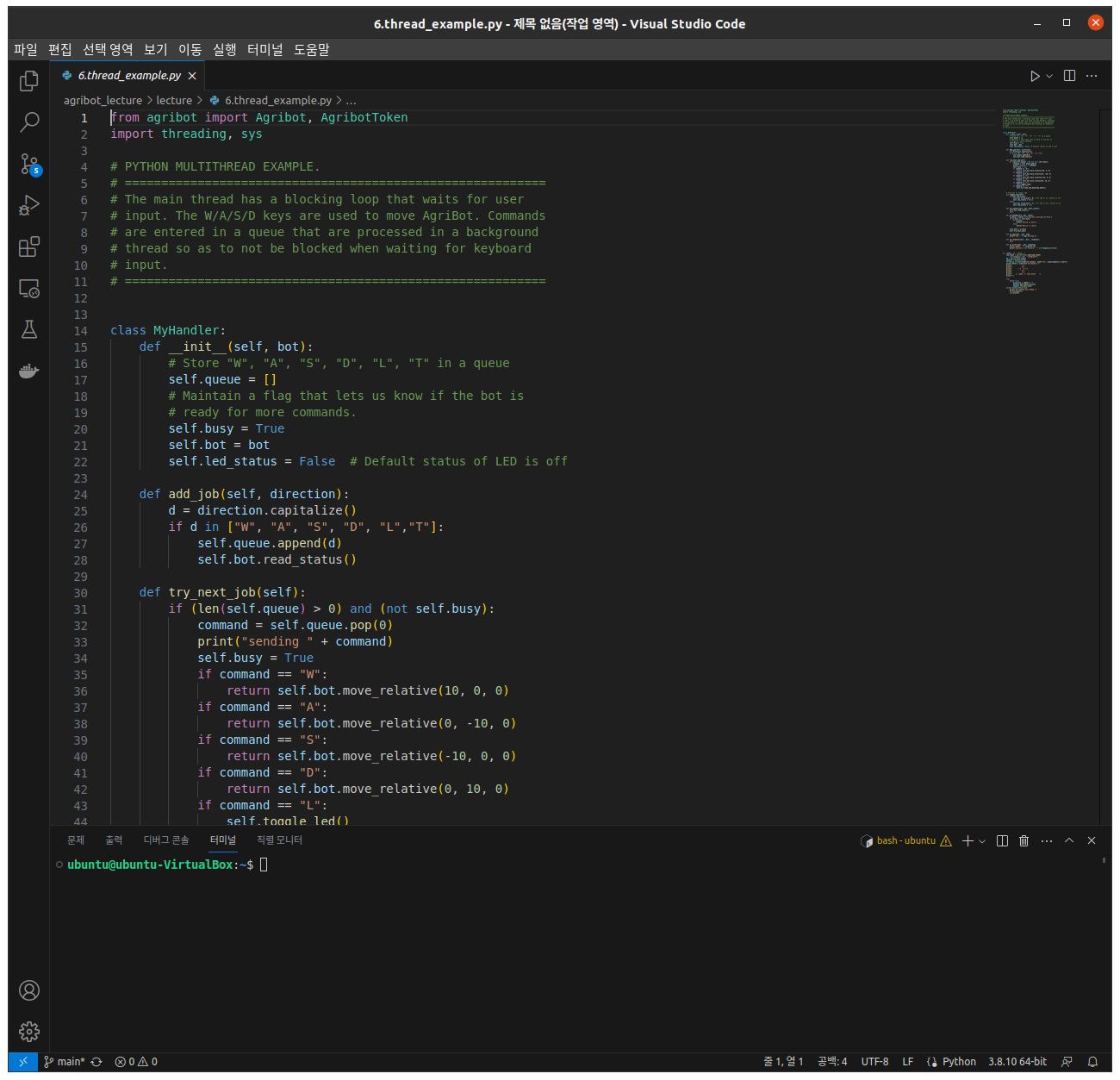
Import the necessary python libraries and modules.
from agribot import Agribot, AgribotToken
import threading, sys
Define a custom handler, CustomHandler, with methods:
add_job: Add the next process.
try_next_job: Run the following process.
class MyHandler:
    def __init__(self, bot):
        # Store "W", "A", "S", "D", "L", "T" in a queue
        self.queue = []
        # Maintain a flag that lets us know if the bot is
        # ready for more commands.
        self.busy = True
        self.bot = bot
        self.led_status = False  # Default status of LED is off

    def add_job(self, direction):
        d = direction.capitalize()
        if d in ["W", "A", "S", "D", "L","T"]:
            self.queue.append(d)
            self.bot.read_status()

    def try_next_job(self):
        if (len(self.queue) > 0) and (not self.busy):
            command = self.queue.pop(0)
            print("sending " + command)
            self.busy = True
            if command == "W":
                return self.bot.move_relative(10, 0, 0)
            if command == "A":
                return self.bot.move_relative(0, -10, 0)
            if command == "S":
                return self.bot.move_relative(-10, 0, 0)
            if command == "D":
                return self.bot.move_relative(0, 10, 0)
            if command == "L":
                self.toggle_led()
            if command == "T":
                self.bot.take_and_download_photo()


    # Function to toggle LED
    def toggle_led(self):
        if self.led_status:
            self.bot.write_pin(7, 0)  # If LED is on, switch it off
            self.led_status = False
        else:
            self.bot.write_pin(7, 1)  # If LED is off, switch it on
            self.led_status = True

    def on_connect(self, bot, mqtt_client):
        self.bot.read_status()
        pass

    def on_change(self, bot, state):
        is_busy = state['informational_settings']['busy']
        if is_busy != self.busy:
            if is_busy:
                print("Device is busy")
            else:
                print("Device is idle")

        self.busy = is_busy
        self.try_next_job()

    def on_log(self, _bot, log):
        print("LOG: " + log['message'])

    def on_response(self, _bot, _response):
        pass

    def on_error(self, _bot, response):
        print("ERROR: " + response.id)
        print("Reason(s) for failure: " + str(response.errors))
Connect the Agribot instance with the CustomHandler instance, resulting in the execution of the defined methods on respective triggers.