Watering Examples
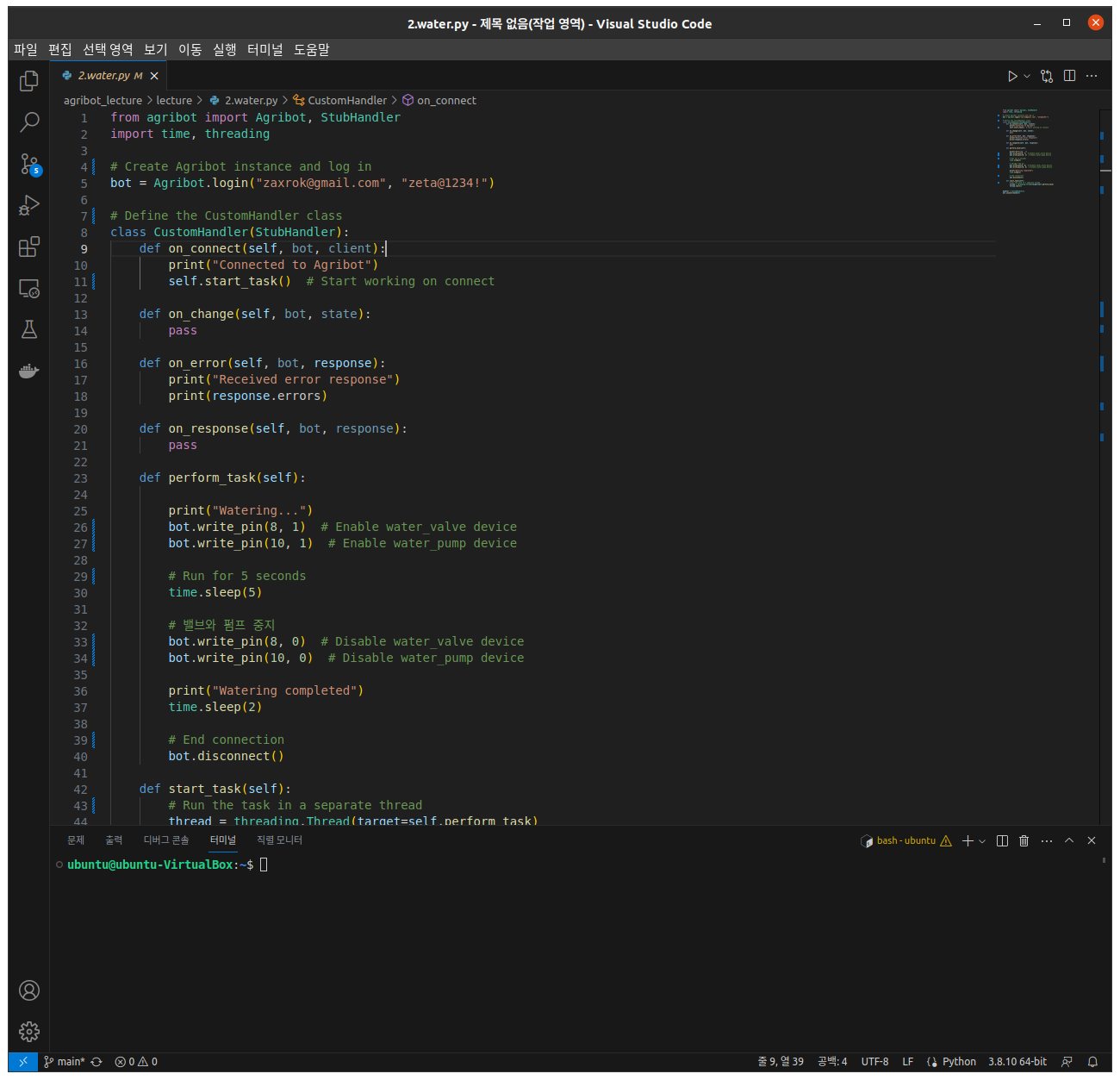
Import the necessary python libraries and modules.
from agribot import Agribot, StubHandler
import time, threading
Log in and create an Agribot instance.
bot = Agribot.login("zaxrok@gmail.com", "zeta@1234!")
Define a custom handler, CustomHandler, with methods:
on_connect: Prints a connection confirmation.
on_response: Stays idle on bot response.
on_change: Prints bot’s current position and disconnects the bot.
on_error: Prints the bot’s error status.
perform_task: Adjust the state of the bot’s water pump and water valves.
class CustomHandler(StubHandler):
    def on_connect(self, bot, client):
        print("Connected to Agribot")
        self.start_task()  # 연결 시 작업 시작

    def on_change(self, bot, state):
        pass

    def on_error(self, bot, response):
        print("Received error response")
        print(response.errors)

    def on_response(self, bot, response):
        pass

    def perform_task(self):

        print("Watering...")
        bot.write_pin(8, 1)  # water_valve 장치 활성화
        bot.write_pin(10, 1)  # water_pump 장치 활성화

        # 5초 동안 작동
        time.sleep(5)

        # 밸브와 펌프 중지
        bot.write_pin(8, 0)  # water_valve 장치 비활성화
        bot.write_pin(10, 0)  # water_pump 장치 비활성화

        print("Watering completed")
        time.sleep(2)

        # 연결 종료
        bot.disconnect()

    def start_task(self):
        # 작업을 별도의 스레드에서 실행
        thread = threading.Thread(target=self.perform_task)
        thread.start()
Connect the Agribot instance with the CustomHandler instance, resulting in the execution of the defined methods on respective triggers.
handler = CustomHandler()
bot.connect(handler)